Why "JPG" is 1992 Technology (And Why You Should Switch to WebP)

If you are still saving your website images as JPG or PNG, you are using technology that was invented before the first season of Friends aired. While these formats are reliable, they are heavy.
A standard PNG file contains a lot of data that your web browser does not actually need to render the image. For years, Google has been pushing a newer, smarter format called WebP.
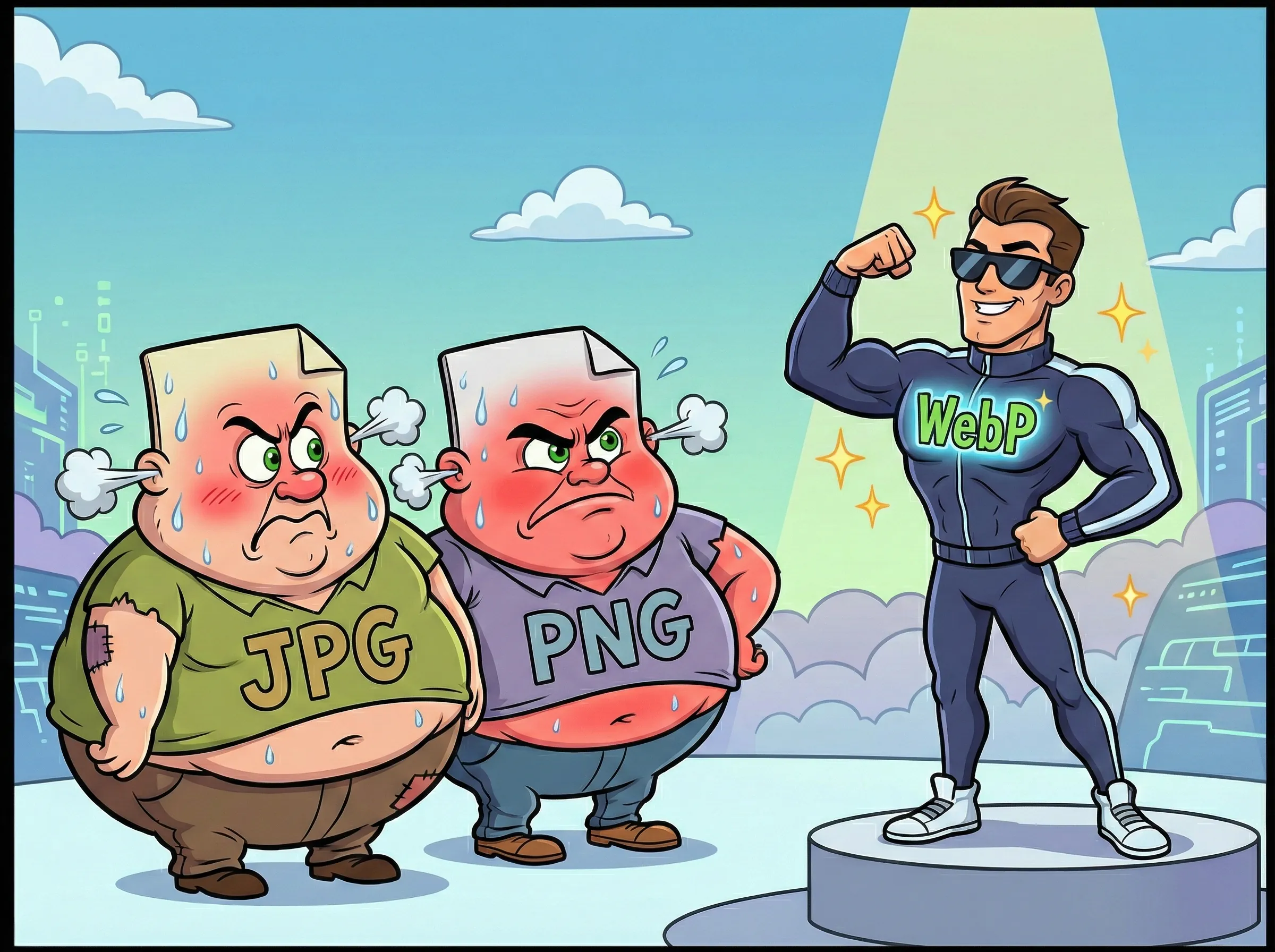
What is WebP?
WebP is a modern image format developed by Google specifically for the web. It provides "lossless" and "lossy" compression just like PNG and JPG, but it does it much more efficiently.
As noted by a compression study from Google, a WebP file is on average 25% to 34% smaller than a comparable JPEG file at the exact same quality index. That means your website loads 25-34% faster just by changing the file extension.
The "Compatibility" Myth
A few years ago, developers hesitated to use WebP because the Safari browser (on iPhones and Macs) did not support it. That changed in 2020. According to Can I Use, every modern browser—Chrome, Safari, Firefox, Edge—now renders WebP perfectly.
There is no longer a reason to stick to the old formats. Browser support includes:
- Chrome: Full support since 2014
- Firefox: Full support since 2019
- Safari: Full support since 2020 (iOS 14, macOS Big Sur)
- Edge: Full support since 2018
How to Convert Without Photoshop
You do not need to buy expensive software to convert your library. You can just let the compression process do it for you.
When you use LighterImage, we handle this automatically. You can upload your old-school JPGs or PNGs in batches of up to 30 at a time. We compress the original file, but we also generate a highly optimized WebP version for you.
You get the best of both worlds: a smaller standard file (if you need it for email) and a next-gen WebP file ready to drop into your website code.
The Bottom Line
Every image on your website that is still a JPG or PNG is slowing down your page load. With WebP now supported everywhere, there is no excuse to keep using formats from three decades ago.
Frequently Asked Questions
What is WebP and why is it better than JPG?
WebP is a modern image format developed by Google specifically for the web. It provides 25-34% smaller file sizes than JPG at the same quality level, meaning faster page loads without sacrificing image quality.
Do all browsers support WebP now?
Yes. As of 2020, Safari added WebP support, making it universal across all modern browsers including Chrome, Firefox, Edge, and Safari on both desktop and mobile devices.
How do I convert JPG or PNG to WebP?
You don't need expensive software like Photoshop. Use a free online tool like LighterImage to upload your JPGs or PNGs in batches of up to 30. The tool automatically generates optimized WebP versions alongside compressed originals.
References
No signup required. Upload JPGs or PNGs and get optimized WebP files automatically.