The Best Image Size for Etsy Listings (Stop Uploading 10MB Files)

As noted by the Etsy Seller Handbook, listing images should be at least 2000 pixels wide on the shortest side. Etsy also allows uploads up to 10MB in size.
Just because you can upload a 10MB file doesn't mean you should.
Many sellers fall into the trap of thinking a heavier file means better quality. In reality, uploading massive files to Etsy usually leads to two headaches. First, the upload process in the Seller App gets glitchy or times out. Second, even if it uploads, a heavy image can load slowly for buyers browsing on poor mobile data connections.
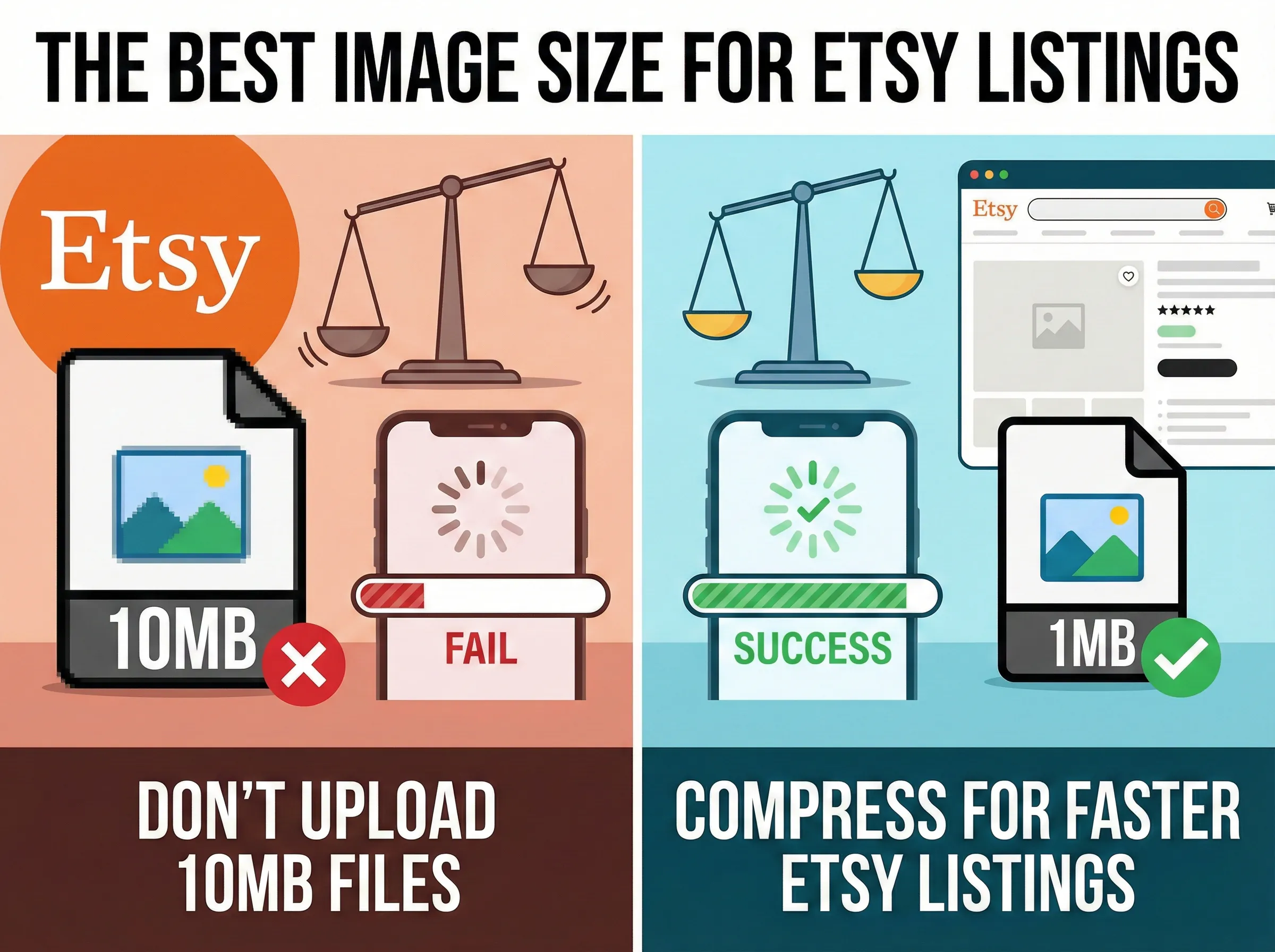
The Difference Between Size and Weight
When Etsy sellers ask about "size," they usually mean dimensions. According to Etsy's photography guide, you want your item to look sharp when a buyer zooms in. Sticking to that 2000px - 3000px width is smart. Don't shrink your dimensions.
However, you need to shrink the weight (the megabytes). A 3000px wide photo from a DSLR camera often weighs 8MB. That same photo, run through a proper compression tool, can look identical but weigh only 1MB.
Why Etsy Uploads Fail
If you have ever stared at a spinning "Uploading..." wheel on the Etsy app, your file size is likely the culprit. The heavier the data, the longer the handshake between your computer and Etsy's servers. If that connection hiccups for a split second, the upload fails.
By compressing the data before you upload, you make the file "lighter" and easier for the system to digest.
How to Fix Your Listing Photos
You don't need to be a technical wizard to fix this. You just need to scrub the file before it goes to Etsy.
- Select your best shots. Grab your listing photos. If they are over 10MB, resize them slightly in your photo editor first. If they are under 10MB (which most phone and camera shots are), you are good to go.
- Drop them into the compressor. Use LighterImage to process your batch. Since we allow files up to 10MB, you don't need to worry about error messages here.
- Download the compressed files. You will get back the same format you put in (JPG stays JPG), just lighter.
- Create your listing. Upload the new lighter versions to Etsy.
You will notice the upload bar moves almost instantly. More importantly, when a potential customer clicks your listing, the images will pop onto their screen immediately. In a marketplace as crowded as Etsy, you don't want to give a buyer even a second to lose interest.
Frequently Asked Questions
What is the best image size for Etsy listings?
Etsy recommends images that are 2000 pixels wide on the shortest side. Keep dimensions high for zoom functionality, but compress file weight to under 1MB to avoid upload failures and slow loading times.
Why do my Etsy uploads keep failing?
Etsy uploads often fail when files are too large. Even though Etsy allows up to 10MB, heavy files cause the upload to timeout. Compress your images before uploading to ensure reliable, fast uploads.
What file format should I use for Etsy?
Use JPG for product photos as it provides good quality at smaller file sizes. PNG is only necessary for images with transparency. Always compress before uploading regardless of format.
References
No signup required. Drop your images and download compressed versions instantly.